Use consistent patterns
There are 2 form patterns in the Design System. On desktop all forms span 8 columns, with 4 columns for page navigation or static content if required.
Choose your pattern based on the number of steps a user must take to complete the form.
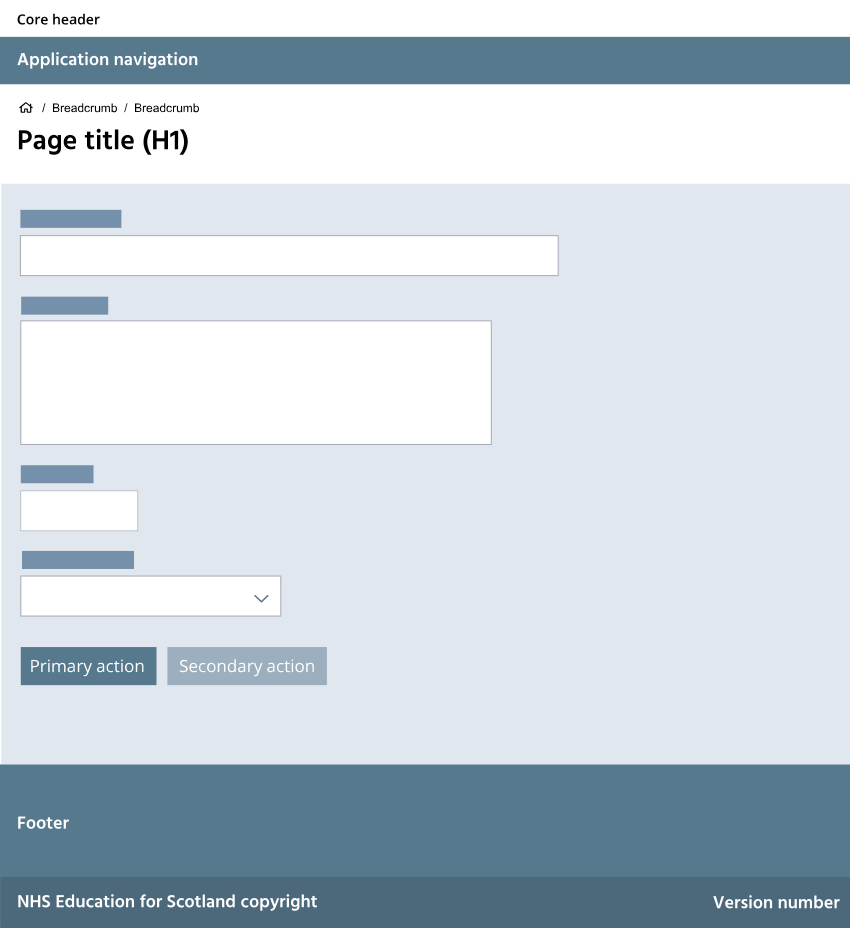
Single page form
Use the single page form layout for simple forms on one page. These follow a single column structure. The buttons follow the pattern:
- primary action (submit button with meaningful label)
- secondary action (such as 'Save as draft')
- tertiary action (usually 'Close without saving')
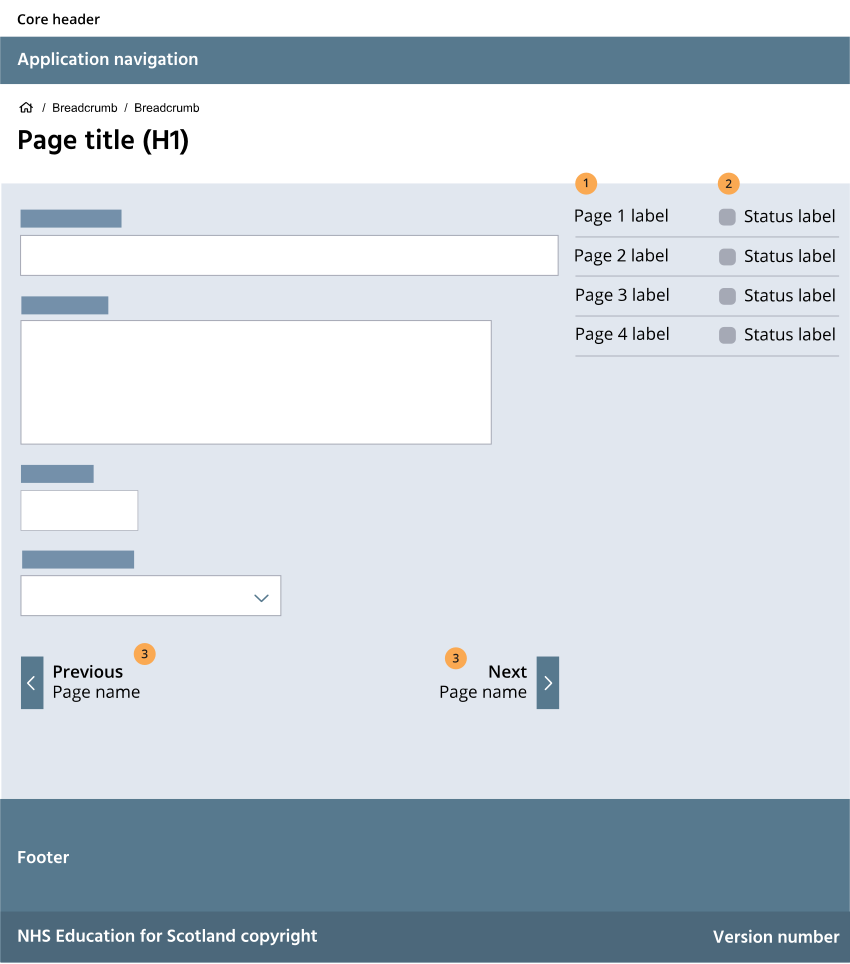
Multi-step form
When creating a form with more than one page use the multi-step form template. As with all Turas forms this follows a single column layout. This form pattern also includes:
-
- page navigation
- status label
- primary action ('Continue' until the last page then a submit button with meaningful and descriptive label)
- secondary action (such as 'Save as draft')
- tertiary action (usually 'Close without saving')
- back to previous section navigation